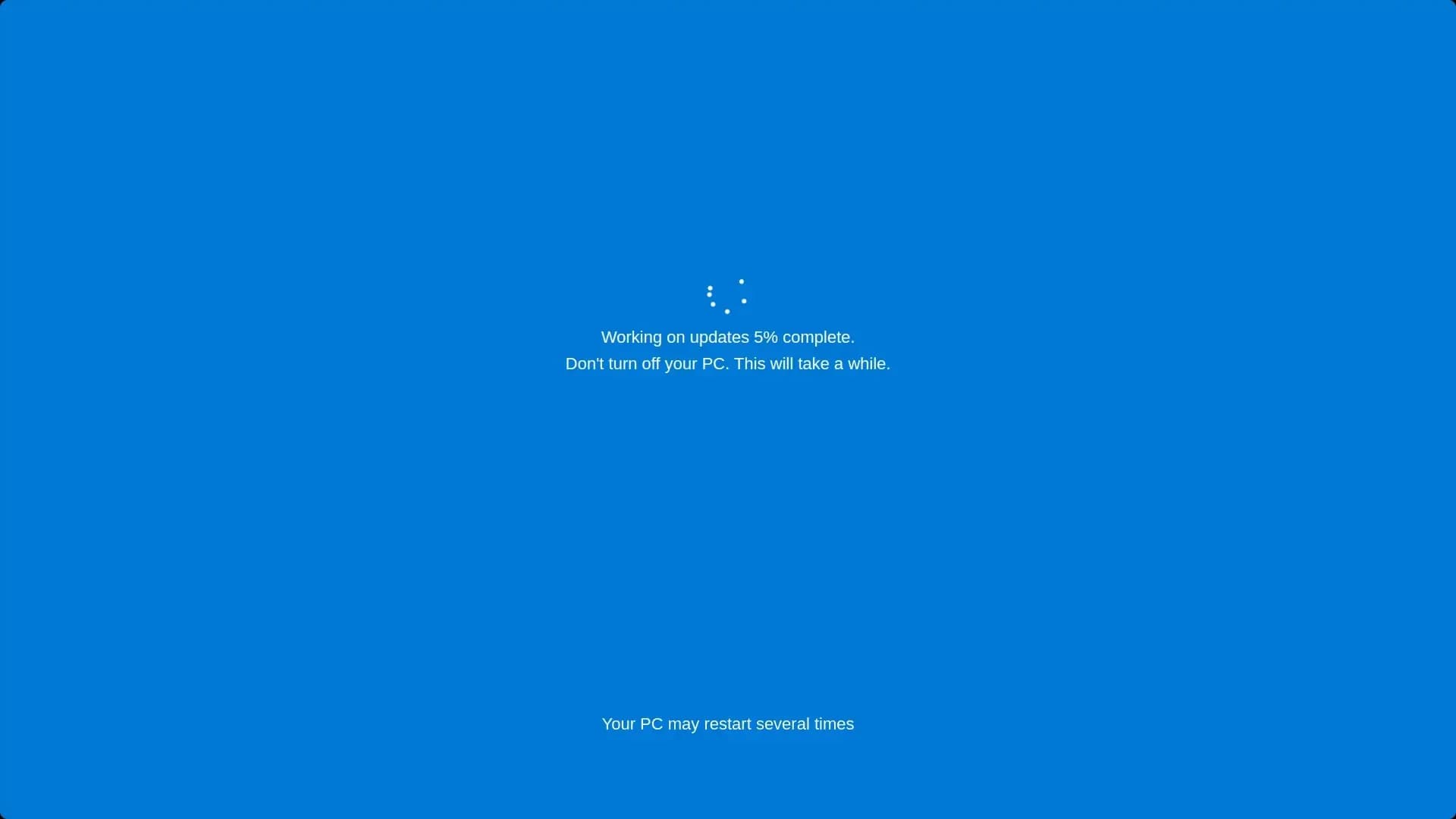
Windows 10
A realistic Windows 10 update screen simulation.
The Waitscreen Collection
Discover interactive screen simulators, creative visual studios and useful browser tools. Choose an experience, customize it and make your screen something different.
16
Total Tools
04
Fake Updates
12
Interactive Tools
Explore The Collection
16 tools found
A realistic Windows 10 update screen simulation.
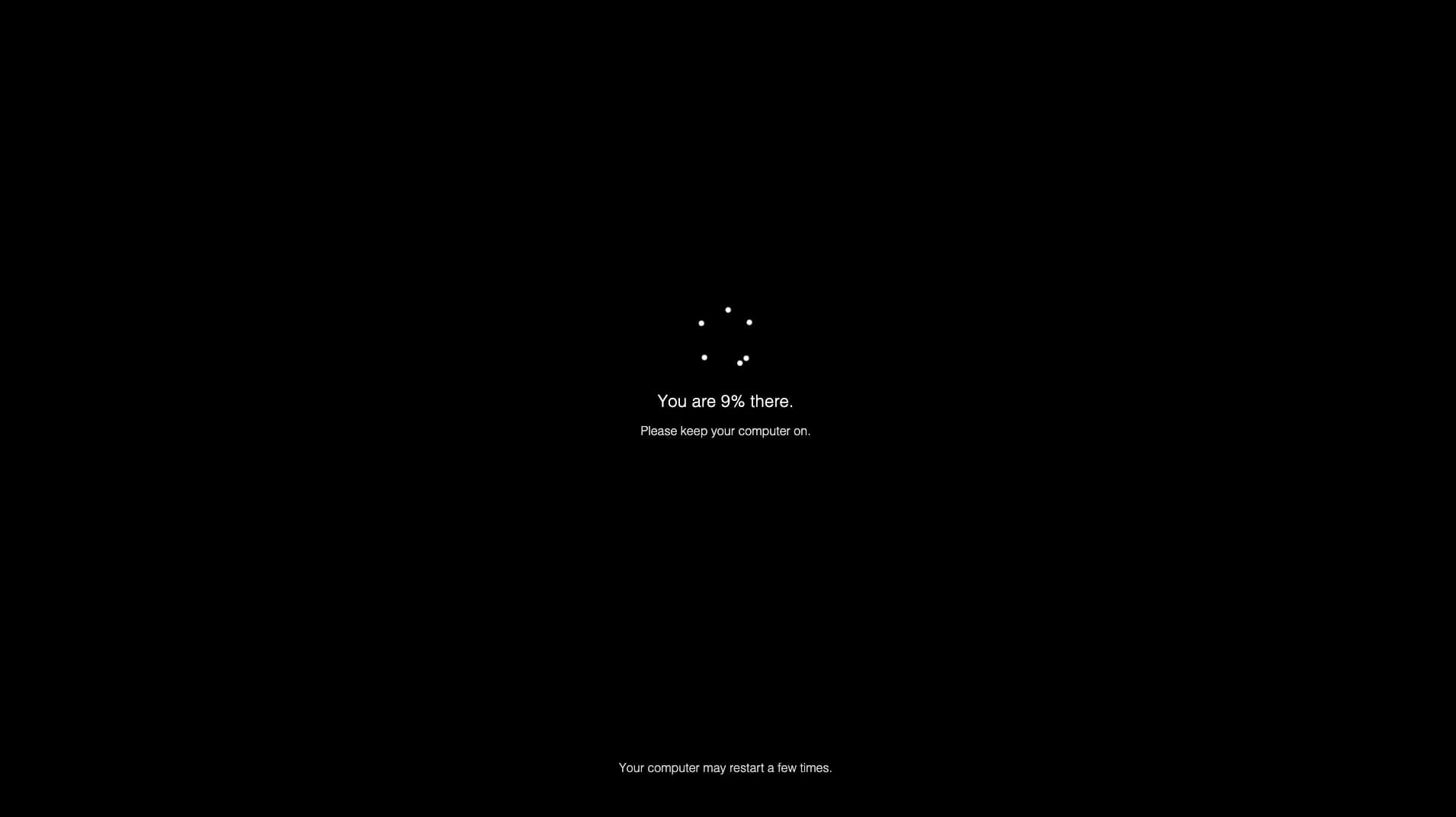
A familiar Windows 11 updating experience.
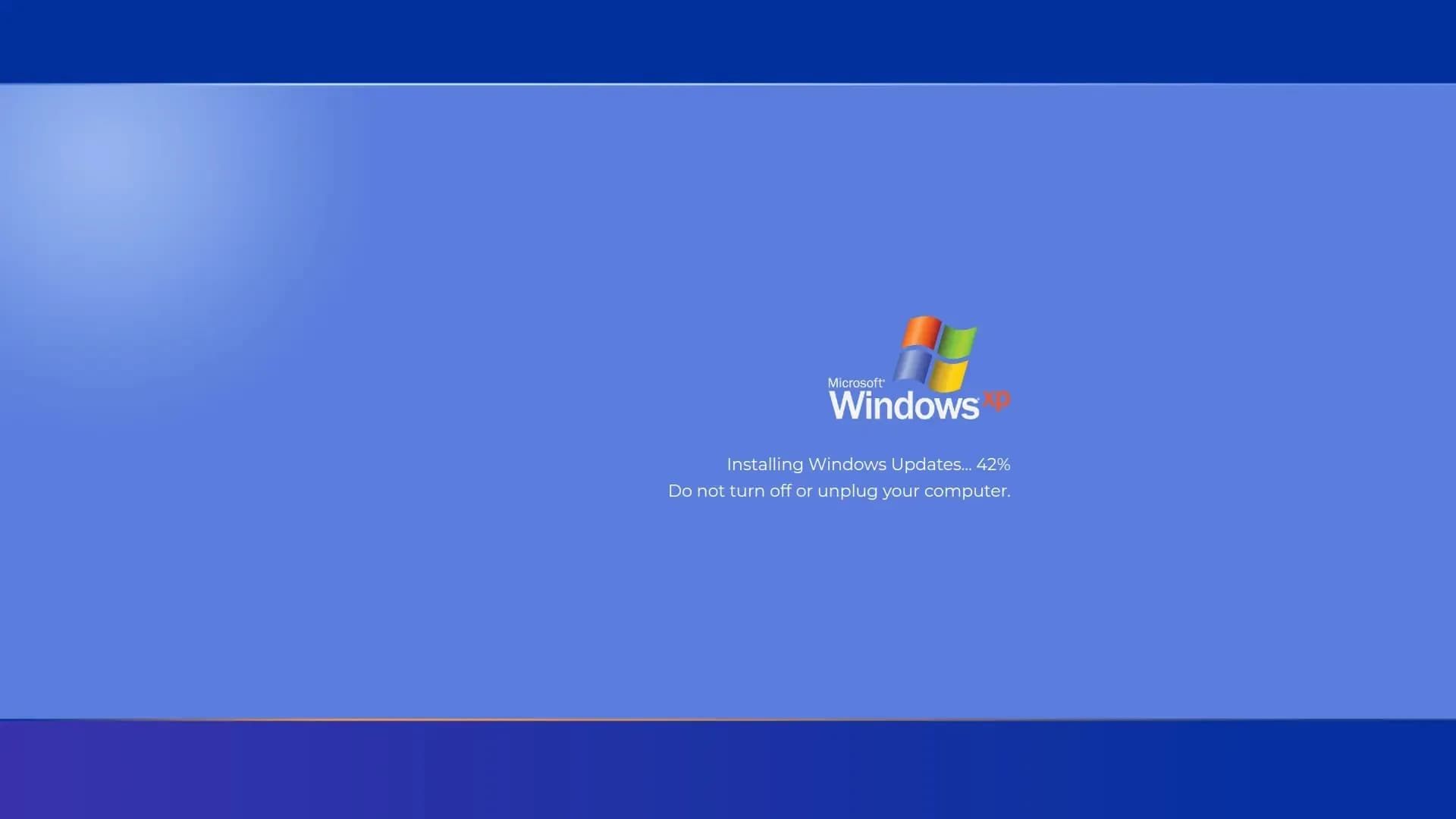
Relive the classic Windows XP update screen.

An immersive Mac operating system simulation.
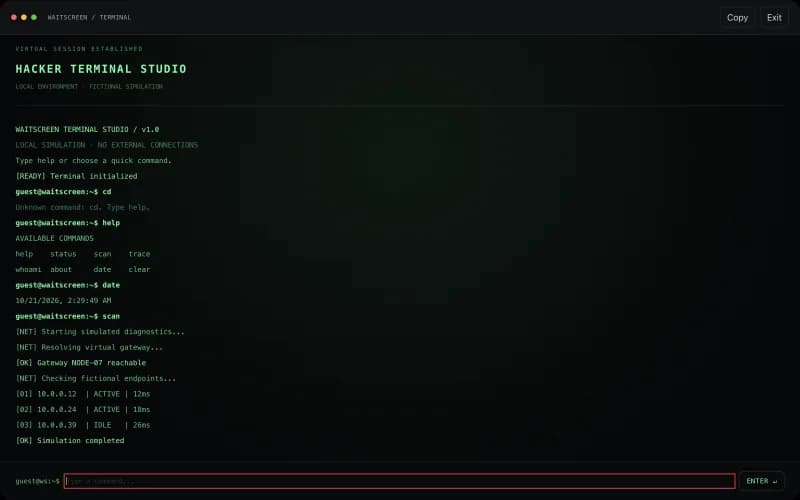
Create cinematic terminal scenes with interactive commands, animated demos and customizable themes.
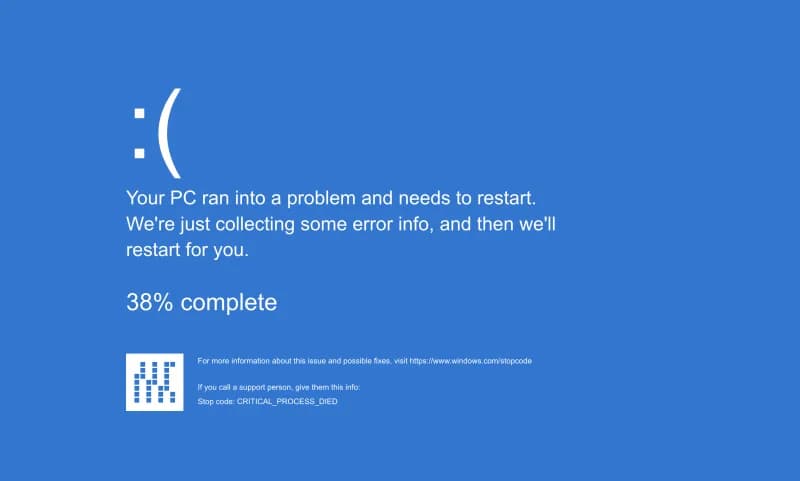
Experience blue screen errors, fictional boot failures and animated display glitches.
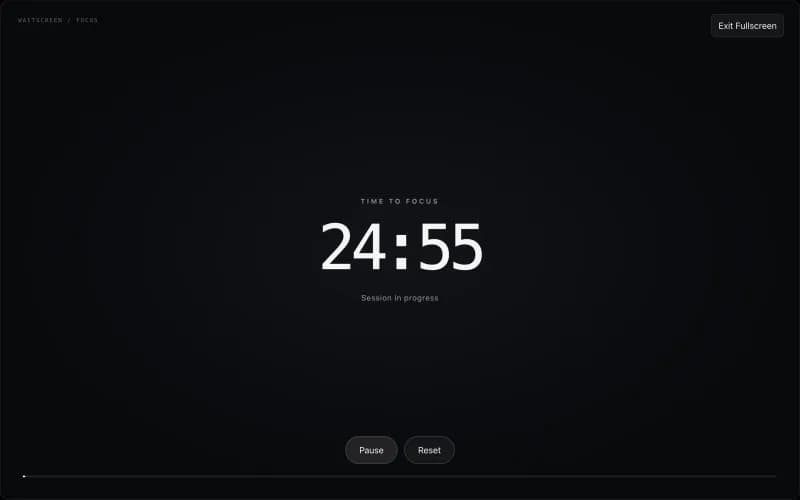
Stay focused with a customizable timer, digital clock and fullscreen countdown.
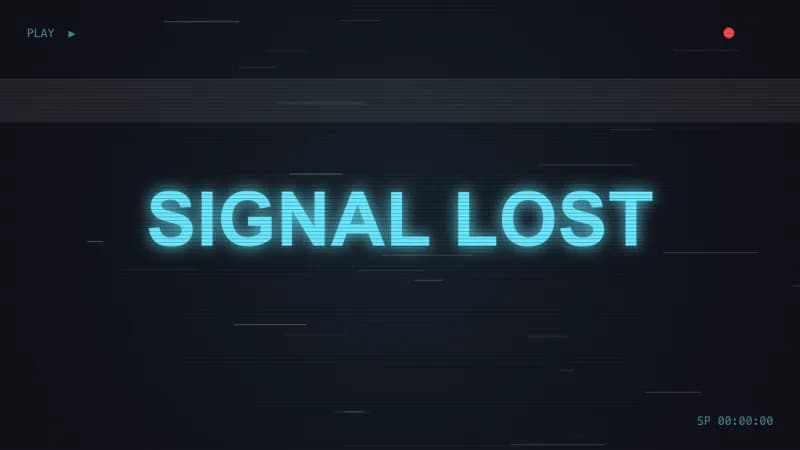
Create animated CRT, VHS and digital glitch effects with custom text and colors.
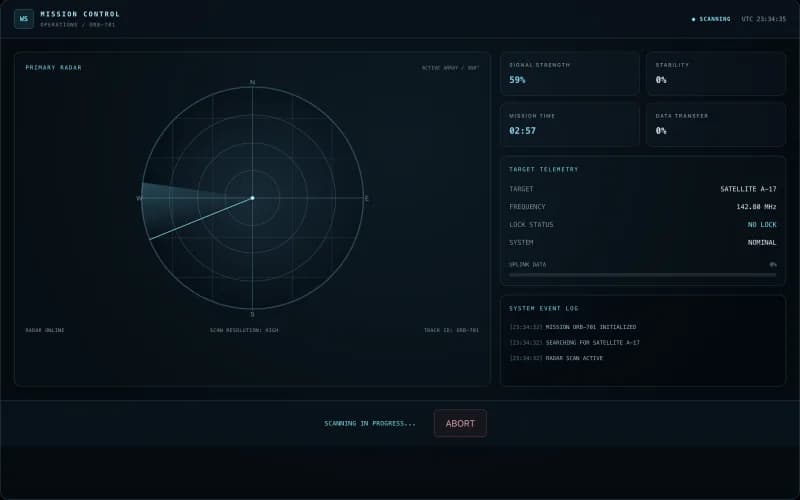
Operate a fictional space command center with radar tracking and interactive missions.
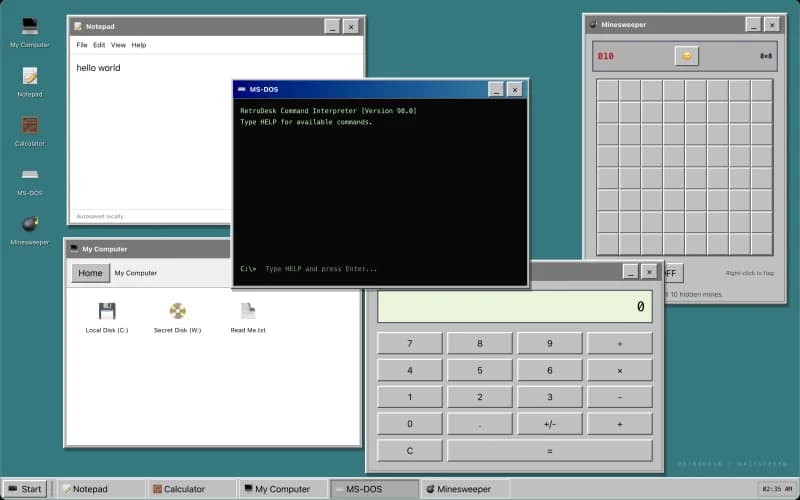
Explore a nostalgic virtual computer with working apps, hidden files and Minesweeper.
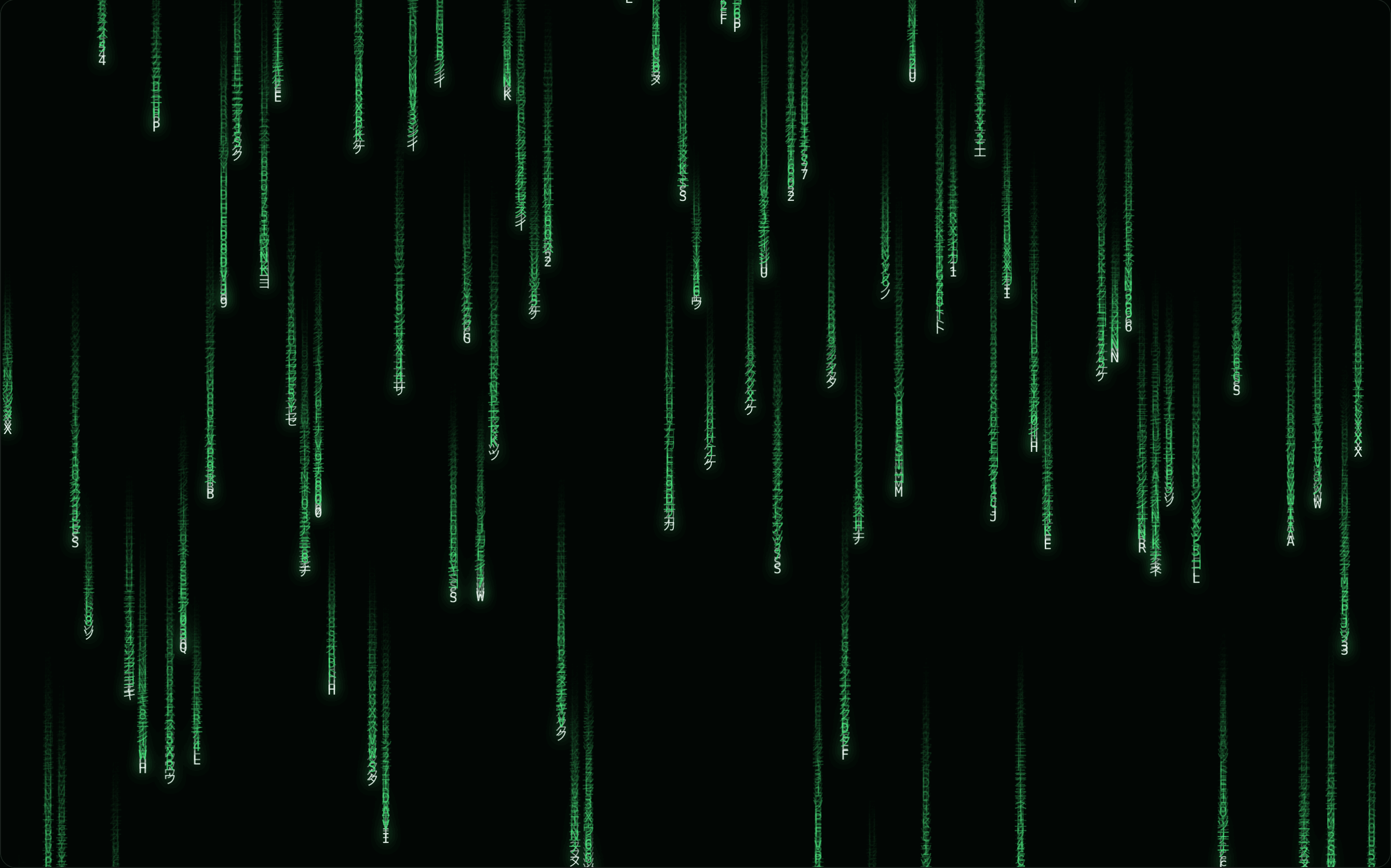
Create cinematic code rain with customizable colors, speed and visual styles.
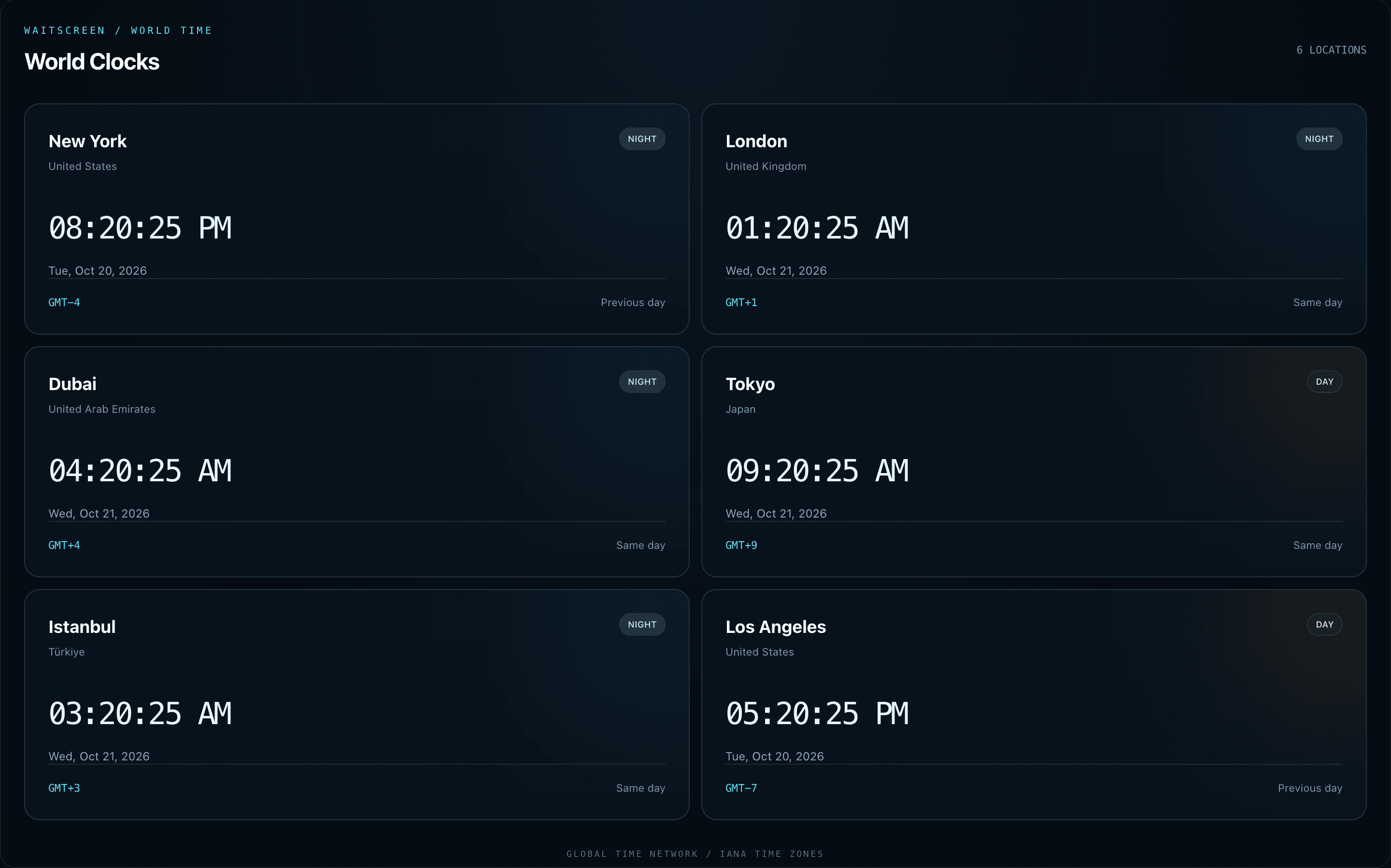
Compare live clocks, add cities and convert meeting times around the world.
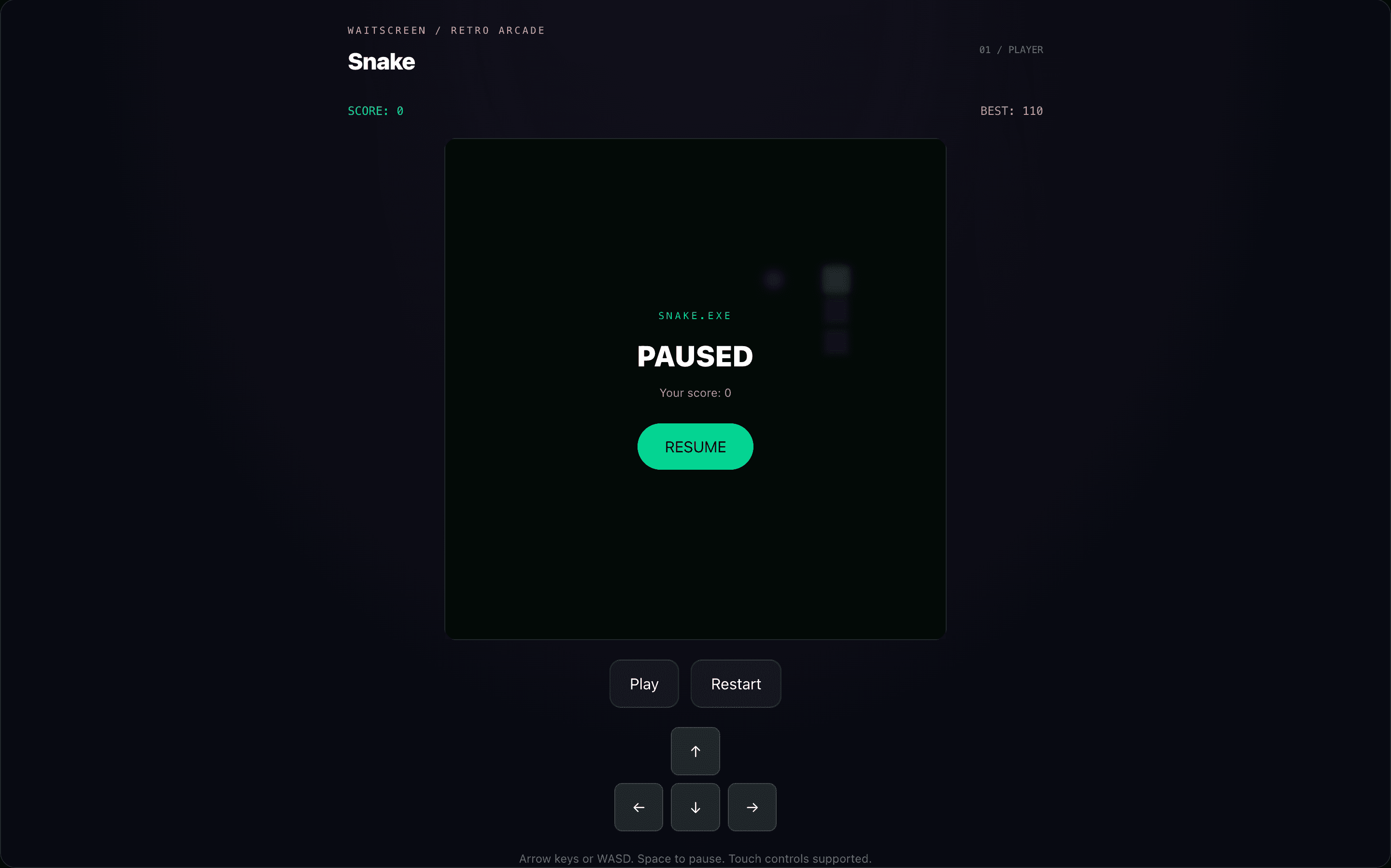
Play Snake, Breakout and Memory Match in an interactive browser arcade.
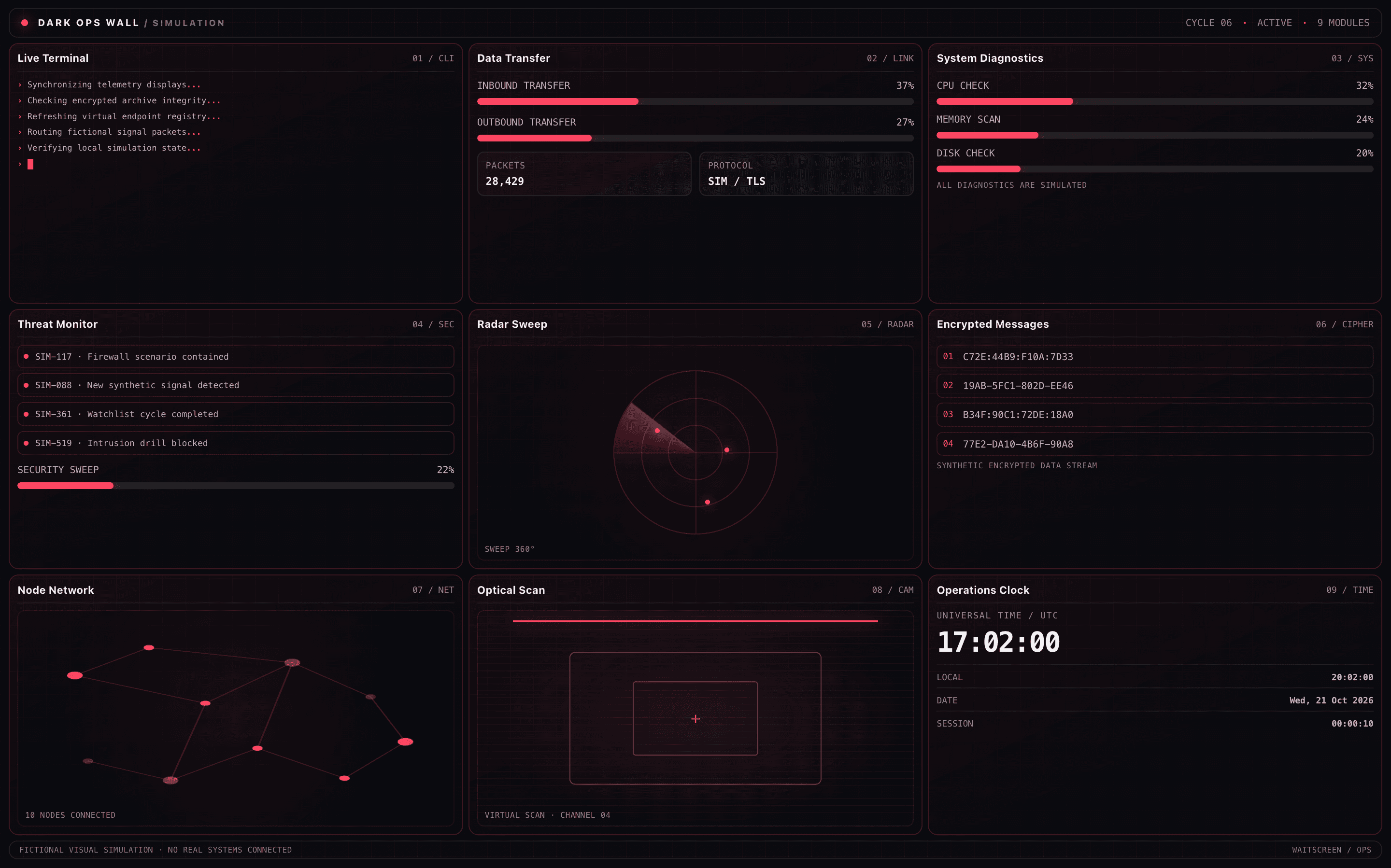
A cinematic multi-panel command wall with terminals, radar, alerts and simulated digital activity.
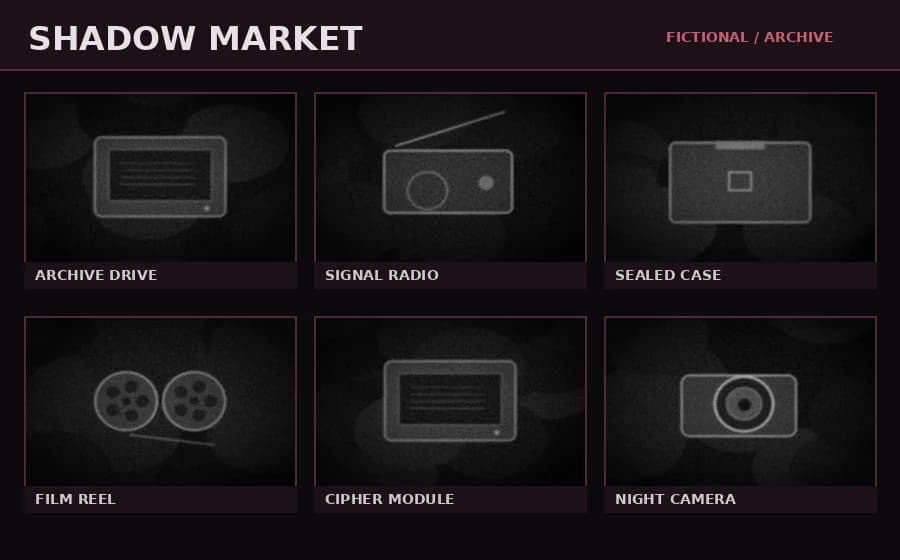
Browse a mysterious fictional marketplace with monochrome artifacts, animated activity and a simulated shopping cart.
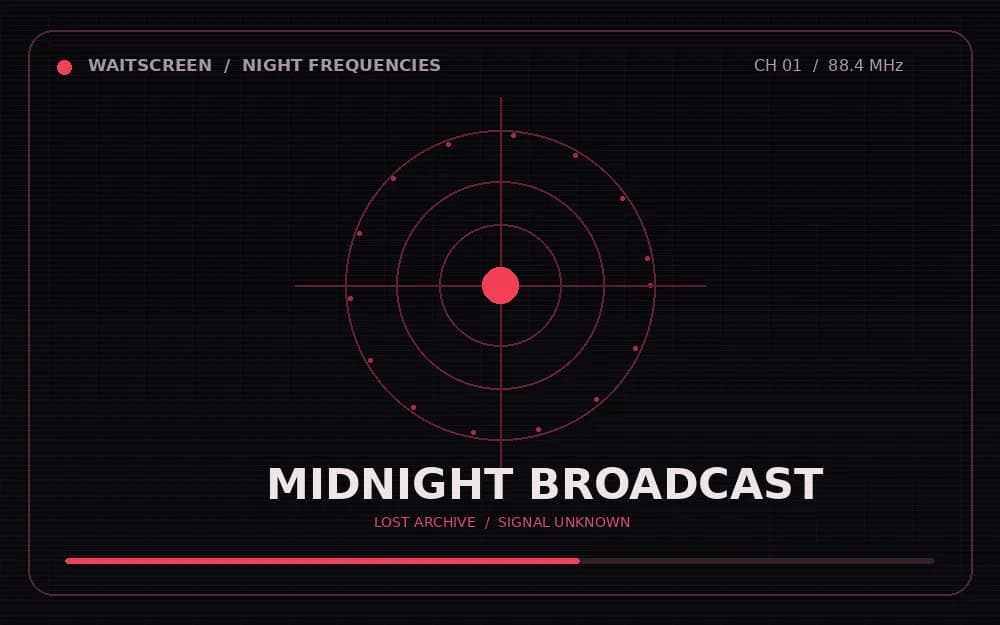
Explore four mysterious fictional broadcast channels with analog interference and fullscreen visuals.
Beyond The Ordinary
Waitscreen brings together browser-based screen experiences, from nostalgic operating system updates to interactive desktops, animated visual effects and productivity tools.
Explore Instantly
Browse the collection, choose your tool and start directly in your browser. Each experience has its own controls and features, with fullscreen available on supported devices.