
The Illusion of the Free Connection
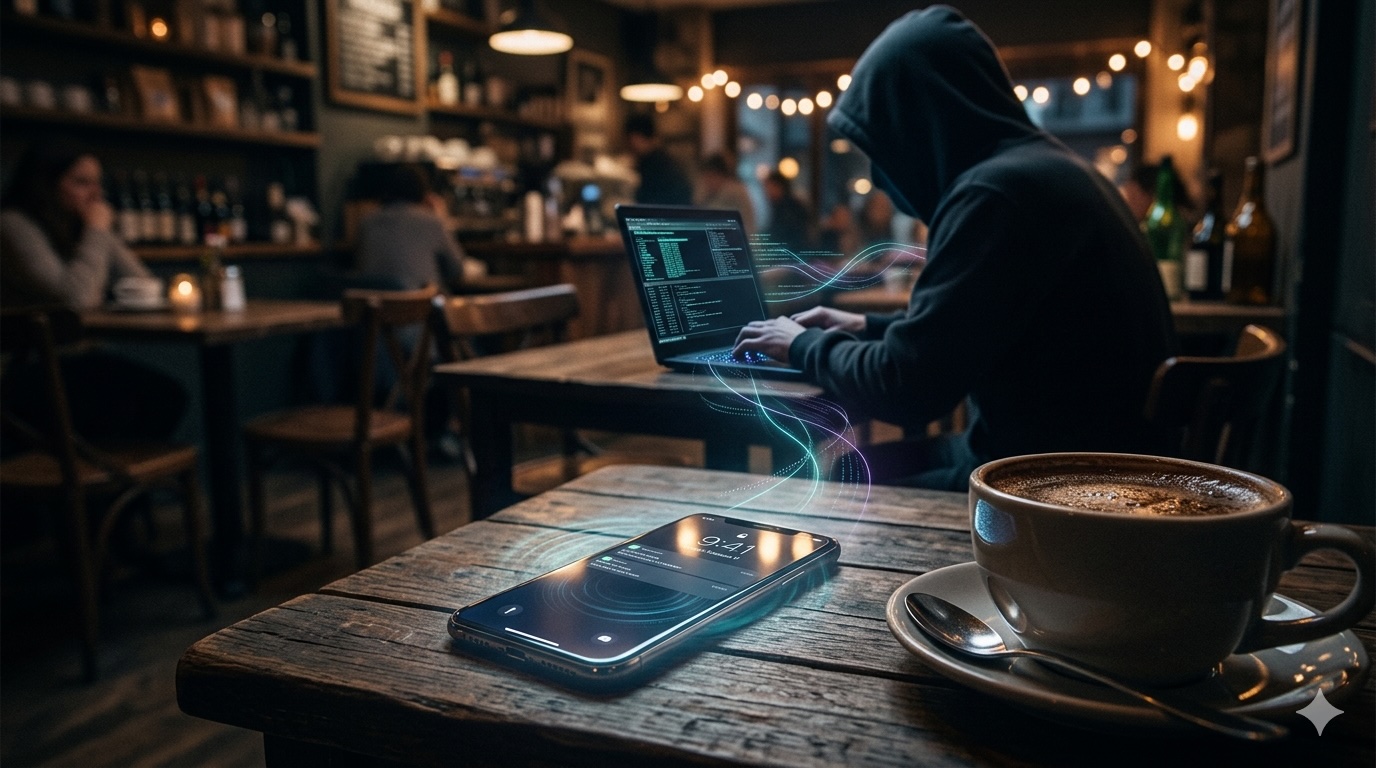
You walk into the coffee shop. The door chimes. You order your usual. Before the barista hands you your change, your thumb is already swiping down to Settings, tapping Wi-Fi, scanning the available networks. There it is. CoffeeShop_Guest. You tap it. You connect. You exhale.
This reflex, this unconscious ritual performed billions of times daily across every airport terminal, hotel lobby, shopping mall, and public square on the planet, is the single greatest vulnerability in your digital life.
The connection is not free. You paid for it the moment you clicked accept. You just do not know the price yet.
What you believe to be a harmless convenience is actually a kill zone. A hunting ground. Every public Wi-Fi network you have ever connected to without a second thought is a potential trap door into your entire digital existence. Your bank account. Your email. Your corporate VPN. Your private messages. Your authentication tokens. Your session cookies. Everything.
The attack is silent. There are no alarms. No warnings. No consent dialogs asking if you truly want to hand your digital identity to a stranger sitting three tables away with a laptop that cost less than your monthly phone bill.
The hacker does not need to break into your device. You invite them in. You authenticate their presence. You give them permission to sit between you and every website you visit, every app you open, every password you type.
This is not theoretical. This is not a scenario reserved for high-value targets or corporate executives. This is happening right now, in the cafe where you are reading this, in the airport where you are waiting for your delayed flight, in the hotel lobby where you are checking your email before the morning meeting.
The name of this trap is the Evil Twin attack. The mechanism is a Man-in-the-Middle exploit. And the terrifying truth is that you have almost certainly been a victim already without ever knowing it.
The Evil Twin Attack: Cloning Reality
The technical architecture of an Evil Twin attack is disturbingly simple. Elegant, even. It requires no sophisticated malware, no zero-day exploits, no advanced persistent threats. It requires only one thing: a rogue access point broadcasting a familiar name.
Here is how it works.
A hacker enters a coffee shop with a laptop and a wireless adapter. The hardware is cheap. Twenty dollars on any online marketplace. The software is free. Open-source tools like Airbase-ng, Hostapd, or the WiFi Pineapple firmware. The setup takes three minutes.
The hacker scans the local wireless environment and identifies the legitimate access point. Let's say it is called CoffeeShop_Guest. The SSID, the network name, is not protected. It is broadcast openly. It must be, so customers can see it and connect.
The hacker creates a duplicate. A clone. An evil twin.
Their rogue access point now broadcasts the exact same SSID: CoffeeShop_Guest. To your device, to your laptop, to your phone, these two networks are indistinguishable by name alone. They look identical in your Wi-Fi list.
But here is where the horror deepens.
Your device does not choose randomly. It does not ask you which CoffeeShop_Guest to connect to. It uses a simple algorithm: connect to the strongest signal. The network with the highest received signal strength indicator wins.
The hacker is sitting ten feet from you. The legitimate router is mounted on the ceiling in the back room, forty feet away, behind two walls. The physics are inevitable. Your device sees the rogue access point as the stronger signal. It connects automatically. Silently. Without asking.
You glance at your phone. You see the Wi-Fi icon. Connected. You assume safety. You assume legitimacy.
You have just connected to a hostile network controlled entirely by an adversary.
There is no warning. No certificate error. No authentication challenge. Modern operating systems trust network names. If the SSID matches a network you have connected to before, and auto-join is enabled, your device reconnects without hesitation. This is a feature designed for convenience. It has become a vulnerability weaponized at scale.
The rogue access point does not even need to be particularly powerful. A smartphone can function as an evil twin. A Raspberry Pi computer the size of a credit card can host multiple fake networks simultaneously. The barrier to entry is so low that script kiddies, amateurs with no formal training, execute these attacks for sport.
And once you are connected, the hacker has achieved the initial foothold. You are now routing all your internet traffic through their machine. They are the gateway. They are the intermediary. They are the observer.
You are trapped in the middle of a Man-in-the-Middle attack, and the next phase is data extraction.
The Man-in-the-Middle: The Silent Observer
The moment your device completes the handshake with the evil twin access point, a fundamental transformation occurs in your network topology. You are no longer communicating directly with the internet. You are communicating with the hacker, who is then forwarding your requests to the internet and relaying the responses back to you.
You are visible. Transparent. Naked.
Every HTTP request you make is readable in plain text. The hacker can see the URLs you visit, the search terms you type, the forms you fill out. If the connection is unencrypted, they can see usernames, passwords, credit card numbers, social security numbers, medical records. Everything.
But you are thinking: I only visit HTTPS sites. I see the green padlock. I am safe.
You are not safe.
Let me explain SSL stripping, the technique that turns your encrypted HTTPS connection into vulnerable HTTP without you noticing.
When you type a website address like gmail.com into your browser, the initial request is often sent over HTTP before being redirected to the secure HTTPS version. This redirect happens automatically. Invisibly. You never see it because it occurs in milliseconds.
The Man-in-the-Middle intercepts this initial HTTP request. They allow it to proceed to the real Gmail server over HTTPS, establishing a secure connection between themselves and Gmail. But they do not forward the HTTPS redirect to you. Instead, they send you the page over HTTP. Plain text. Unencrypted.
Your browser displays the page. The login form appears. You type your email and password. You click sign in. The credentials travel from your device to the hacker's machine in plain text. Readable. Harvestable. Stolen.
The hacker then forwards your credentials to the real Gmail server over their secure HTTPS connection, completes the login on your behalf, and relays the authenticated session back to you.
You are now logged in. You see your inbox. Everything appears normal. You have no idea that your credentials were intercepted. You have no idea that the hacker now possesses your username and password.
But it gets worse.
Even if you somehow avoid SSL stripping, even if your connection remains encrypted end-to-end, you are still vulnerable to session hijacking through cookie theft.
When you log into a website, the server issues you a session cookie. This cookie is a token, a piece of data that proves you are authenticated. Your browser automatically includes this cookie in every request to that website. The cookie is your identity. If someone steals your cookie, they can impersonate you without ever needing your password.
Many websites transmit session cookies over unencrypted channels or use cookies without the Secure flag, making them readable to anyone observing the network traffic. The Man-in-the-Middle captures these cookies. They import them into their own browser. They are now logged in as you. They can read your emails, access your cloud storage, post on your social media, authorize transactions, change your password, lock you out of your own account.
This is not a vulnerability in your device. This is a vulnerability in the fundamental architecture of public Wi-Fi combined with legacy web protocols that prioritize compatibility over security.
The hacker does not need to crack your password. They do not need to exploit a software vulnerability. They simply need you to connect to their network and browse the web normally. You do the work for them.
The sophistication of the attack is in its invisibility. There are no pop-ups. No alerts. No unusual lag. The connection feels identical to a legitimate network because it is a legitimate network connection, just routed through an adversary who is logging everything.
And when you stand up, pack your laptop, and leave the coffee shop, the hacker remains behind with a complete packet capture of your session. They will analyze it later, at their leisure, extracting credentials, session tokens, personal information, corporate data, anything of value. You will never know it happened.
Beyond the Cafe: The Corporate Threat
The public Wi-Fi trap is not limited to casual users checking email over lattes. It has become a precision tool for corporate espionage, intellectual property theft, and targeted intrusion into protected networks.
Consider the remote worker connecting to the airport Wi-Fi while traveling for a business conference. They open their laptop. They connect to Airport_Free_WiFi. They launch the corporate VPN client to access internal resources. They enter their credentials. They authenticate.
What they do not realize is that the VPN login page they are viewing is a perfect replica served by a Man-in-the-Middle. The hacker has intercepted the VPN connection request and presented a cloned login portal. The worker types their username and password. The hacker captures both.
Even if the VPN uses certificate-based authentication, many implementations fail to properly validate the server certificate or warn users about mismatches in a way that non-technical users understand. The warnings are dismissed. The connection proceeds. The credentials are stolen.
Now the hacker possesses valid credentials to the corporate VPN. They do not need to be physically present inside the company building. They do not need to bypass firewalls or intrusion detection systems. They have legitimate authentication tokens. They can log in remotely, from anywhere in the world, appearing as a trusted employee.
Once inside the VPN, they have access to internal file shares, databases, email servers, customer records, financial systems, source code repositories, everything protected behind the corporate perimeter. The initial infection vector was a public Wi-Fi network. The blast radius is the entire organization.
This technique is actively used by advanced persistent threat groups conducting economic espionage. The targeting is deliberate. High-value individuals are tracked. Their travel schedules are monitored through public sources, social media, conference registrations. When they arrive at the airport, the rogue access point is already deployed, waiting.
The attack is surgical. The hacker does not need to compromise thousands of random travelers. They need to compromise one specific person: the executive with access to merger documents, the engineer with access to proprietary algorithms, the contractor with access to government classified systems.
The public Wi-Fi network becomes a intelligence collection platform. A watering hole. A trap set for a specific target, but invisible to everyone else.
And the corporate damage extends beyond credential theft. Consider the lateral movement possibilities. Once inside the corporate network via stolen VPN credentials, the attacker can deploy malware, establish persistence, escalate privileges, and move laterally to other systems. The initial compromise happened in an airport. The ransomware deployment happens six months later, after the attacker has mapped the entire network and identified the most critical systems to encrypt.
The forensic investigation will trace the intrusion back to valid VPN credentials. The logs will show a legitimate authentication from a recognized employee device. The question "how did they get the password" will lead investigators nowhere, because the employee never disclosed it. They typed it into what they believed was the real VPN portal. They were deceived by a Man-in-the-Middle on a public network they connected to without a second thought.
This is not a theoretical scenario. This is documented in incident response reports, threat intelligence briefings, and classified memos circulating among security professionals who understand that the perimeter has dissolved, that the new battlefield is the wireless spectrum, and that every public hotspot is a potential breach point.
The Ghost Protocol: How to Survive the Wireless War
The question is not whether you will be targeted. The question is whether you will be ready when you are.
Survival in the wireless war requires a fundamental shift in behavior. You must treat every public Wi-Fi network as hostile by default. Not suspicious. Not potentially dangerous. Hostile. Operated by an adversary whose goal is to steal your data.
This paranoia is not excessive. It is calibrated to reality.
Rule one: Never connect to public Wi-Fi without a Virtual Private Network. Not a free VPN. Not a browser extension claiming to protect you. A real, paid, reputable VPN service that creates an encrypted tunnel between your device and the VPN server before any of your traffic reaches the public network.
When you connect to a hostile evil twin access point with an active VPN, the hacker can still intercept your traffic. But they cannot read it. They see encrypted packets. Random noise. The VPN tunnel encapsulates everything: your DNS queries, your HTTP requests, your session cookies, your login credentials. All of it is encrypted before it leaves your device.
The Man-in-the-Middle is still present. But they are blind.
Rule two: Disable auto-join for all networks. Your device should never connect to any Wi-Fi network automatically. You must explicitly choose to connect every single time. This eliminates the attack vector where your device silently reconnects to a previously trusted SSID that has been cloned by an evil twin.
Go into your settings right now. Forget every public network you have ever connected to. Airport Wi-Fi. Hotel Wi-Fi. Coffee shop Wi-Fi. Delete them all. From this moment forward, you will connect manually, with intention, with awareness.
Rule three: Use cellular data whenever possible. Your 5G connection is a direct encrypted link to your carrier's infrastructure. There is no public access point. No shared medium. No opportunity for a local attacker to position themselves as a Man-in-the-Middle.
Yes, cellular data has limits. Yes, it costs money. But the cost of unlimited data is a fraction of the cost of identity theft, corporate data breach, or ransomware deployment traced back to your compromised device.
Rule four: Verify HTTPS is enforced. Install browser extensions like HTTPS Everywhere that force encrypted connections and warn you when a site attempts to downgrade to HTTP. Do not dismiss certificate warnings. If your browser tells you the certificate is invalid, the connection is not private, or there is a security risk, stop immediately. Do not proceed. Close the browser. Disconnect from the network.
Rule five: Enable two-factor authentication on every account that supports it. Even if a hacker steals your password through a Man-in-the-Middle attack, they cannot log in without the second factor. Use authenticator apps, not SMS, because SMS can be intercepted through SIM swapping attacks.
Rule six: Monitor your accounts for unauthorized access. Check your login history. Look for sessions from unfamiliar locations or devices. If you see access from an IP address you do not recognize, change your password immediately and revoke all active sessions.
Rule seven: Assume breach. Operate under the assumption that your credentials have already been compromised. Use unique passwords for every service. Use a password manager to generate and store them. If one account is breached, the damage is contained.
The truth is that perfect security does not exist. The tools and techniques available to attackers are advancing faster than the defensive measures available to ordinary users. The asymmetry is staggering. A motivated attacker with inexpensive equipment can compromise dozens of devices in a single afternoon.
But you do not need perfect security. You need to be a harder target than the person sitting next to you. You need to make the cost of compromising your device higher than the value of the data you possess.
The hacker in the coffee shop is optimizing for volume, not difficulty. They want easy victims. They want people who connect without thinking, who dismiss warnings, who trust the network name.
If you follow the Ghost Protocol, you become invisible to these opportunistic attacks. You force the attacker to move on to softer targets. You survive.
The wireless war is permanent. The public Wi-Fi trap will always exist. But you do not have to be the one caught in it.
The next time you walk into a coffee shop and feel that reflex to connect to free Wi-Fi, pause.
Ask yourself: Is this connection worth your digital life?
The answer should terrify you into making better choices.